
Let It Snow, Let It Snow, Let It Snow
See instructions below.
❄️ Snowflake Simulator
Paste your Python Turtle code below to generate a blizzard!
Python Code
Settings
Supported: imports, functions (def), loops, standard turtle commands.
Instructions
1. Copy your code
- Write or find your Python Turtle snowflake code.
- Select all the code (Ctrl+A) and copy it (Ctrl+C).
2. Paste your code
- Look for the big black box labelled "Python Code".
- Click the "Paste Clipboard" button (or press Ctrl+V) to paste your code.
- Click "Update Blizzard".
3. Controls (Settings)
Use the sliders to change how the snowflakes behave:
- Snow Density: Drag this to change from light flurry to heavy storm.
- Fall Speed: Drag the slider to change the speed of the snowflakes.
- Wind Force: Drag left or right to change the wind direction and force.
4. Style settings
- Snow Size: Drag the slider to change the size of your snowflakes.
- Snow Colour: Click here to change the colour of your snowflakes.
5. Toggle full screen
- Click the "X" button at the top of the menu to hide the controls.
- Click the Gear Icon (⚙️) in the corner to bring the controls back if you want to make changes.
6. Toggle background
- Use the dropdown menu in the Settings panel to choose between "Default Night Sky", "Winter Scene 1", and "Winter Scene 2".
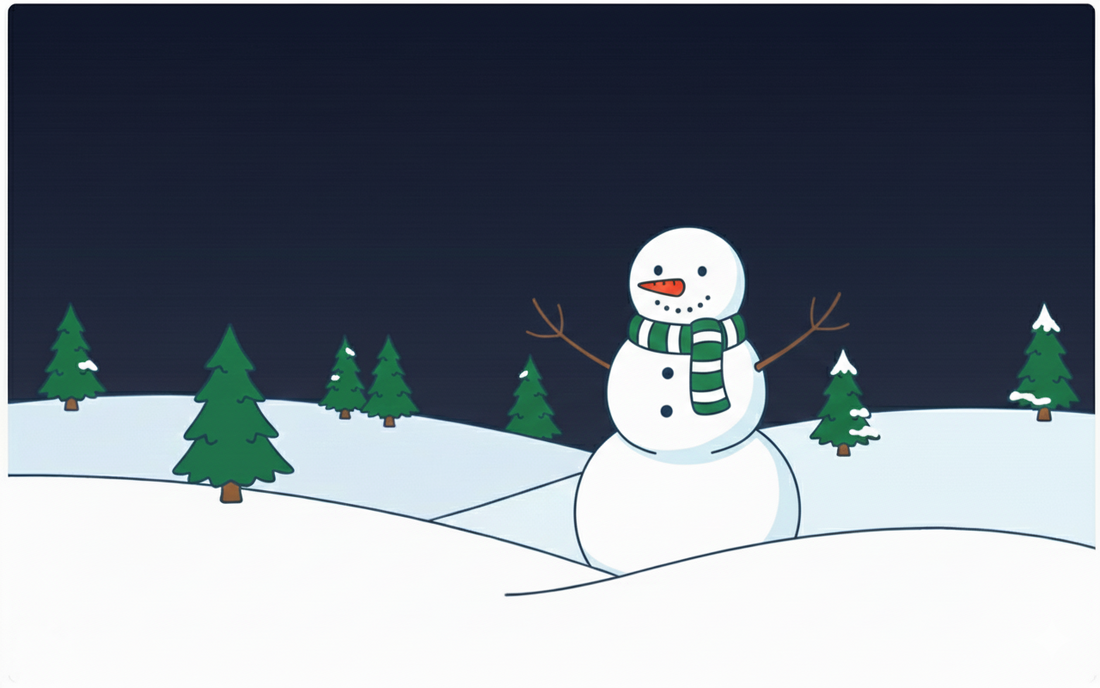
Winter Scene 1
|

Winter Scene 2
|